
The Ultimate MINISFORUM Buying Guide: How to Choose the Right Mini PC
Let’s be honest. Buying a new computer right now is overwhelming.
You start looking for the best Mini PC to clean up your desk space, and suddenly you are drowning in a sea of alphanumeric model names, processor generations, and acronyms. You want to make a smart purchase, but comparing spec sheets for hours leads straight to decision fatigue.
You are not alone. Countless professionals, gamers, and homelab enthusiasts face this exact same hurdle.
That is exactly why we created this guide. Instead of just throwing a wall of specifications at you, we are breaking down the entire MINISFORUM ecosystem based on what you actually do every day. Whether you are hunting for an AMD Mini PC to handle heavy video editing, a compact server for your home lab, or just a whisper-quiet machine for daily emails, we have you covered.
Give us five minutes, and you will know exactly which machine belongs on your desk.
1. Building Your Enterprise Sandbox: The Workstation Powerhouses
Have you ever tried pushing a standard desktop board to handle massive virtualization, only to watch the network choke? It’s a frustrating bottleneck. True enterprise workloads require massive bandwidth and expansion, not just a fast processor.
For IT professionals, edge AI developers, and hardcore homelab builders, the MS Series is where you will find the absolute best Mini PC for heavy lifting. These are not just small computers; they are server-grade nodes designed to be stacked, pushed, and run 24/7.
Target Audience
- Homelab creators and Proxmox/VMware enthusiasts.
- Software developers needing scalable local AI clusters.
- Network engineers building advanced software-defined routers.
The Core Lineup
- MS-01 & MS-02 Ultra: The MS-01 is legendary in the homelab community, offering dual 10GbE LAN ports and a PCIe 4.0 x16 slot for network cards or GPUs. Its bigger sibling, the MS-02 Ultra, pushes boundaries even further with options for jaw-dropping dual 25GbE SFP+ ports and support for up to 256GB of ECC memory.
- MS-S1 MAX: Built for the AI era. If you need to run massive 128B+ parameter local Large Language Models (LLMs), the S1 MAX delivers up to 128GB of unified LPDDR5x memory and 126 TOPS of AI performance.
Real-World Example: The Agile Dev Studio
Consider an indie game development studio transitioning to a local server architecture. Instead of buying a massive, noisy 4U rack server, they deployed a cluster of three MS-02 Ultra units. Utilizing the 25GbE networking and massive NVMe storage bandwidth, they created a highly available Kubernetes cluster that sits quietly on a shelf, consuming a fraction of the power of traditional servers.
Pro Tip: When planning a workstation build, always map out your PCIe lane requirements first. If you plan to add enterprise-grade U.2 drives or specialized network interface cards (NICs), ensure your chosen model (like the MS-03 or MS-01) supports the necessary lane splitting (bifurcation).
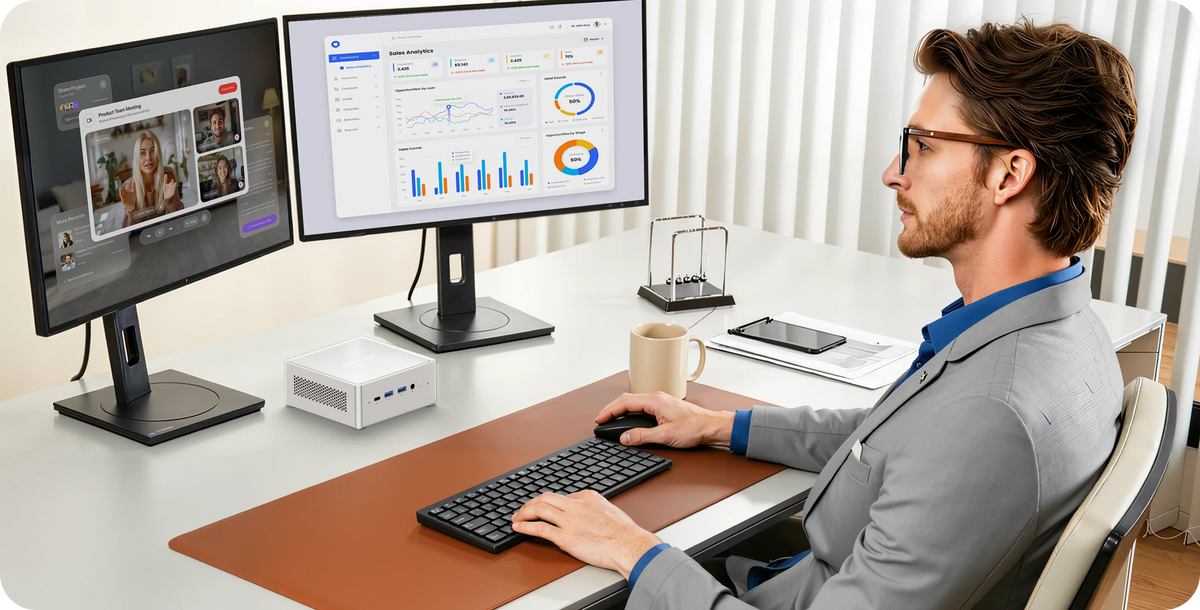
2. Beyond Storage: The AI NAS Series
Why pay recurring fees for cloud AI when you can run a 35B parameter model right from your desk?
Data hoarding is an art. But as our digital footprints explode, a traditional "dumb" network drive just doesn't cut it anymore. Enter the N5 Series—devices that blur the line between a high-capacity storage vault and a dedicated AI processing node.
Target Audience
- Digital content creators with massive video archives.
- Small business owners seeking secure, on-premise data sovereignty.
- Tech enthusiasts who want smart, AI-driven photo and document organization without compromising privacy.
The Core Lineup
- N5 AIR & N5 Pro: These are revolutionary 5-bay NAS systems wrapped in a remarkably compact chassis. They offer a hybrid tiered storage approach (combining high-capacity SATA drives with ultra-fast NVMe caching). Need more graphics power for local AI image generation? They feature an OCuLink port, allowing you to connect an external GPU to accelerate tasks like Stable Diffusion by up to 300%.
- N5 MAX: The absolute pinnacle of local data and AI. Supporting up to 200TB of total storage and featuring the AMD Ryzen AI Max+ 395 processor, it’s a self-contained data center. It utilizes enterprise-grade ZFS snapshots to ensure your data is practically bulletproof against corruption or ransomware.
Industry Trend: Local Semantic Search
The days of searching for "IMG_4920.jpg" are over. The modern trend is AI semantic search. With the MinisCloud OS running on the N5 series, you can simply type "a dog playing fetch on the beach," and the built-in NPU will instantly locate the exact photo from your 50TB archive. All of this happens 100% locally. Zero data is sent to the cloud.
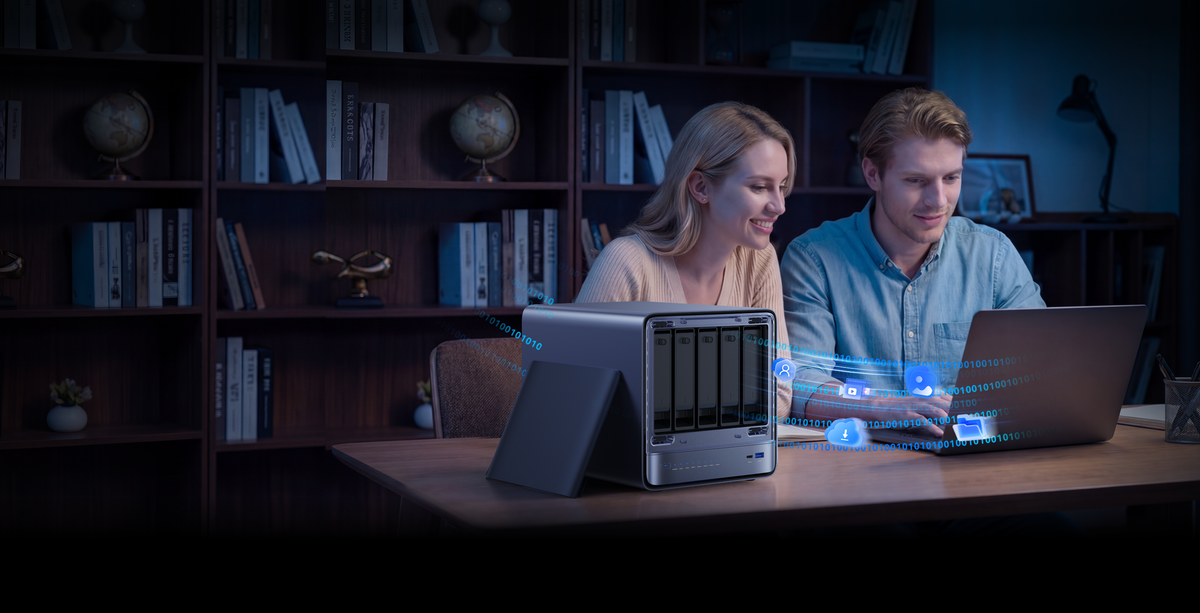
3. Uncompromised Graphics: Gaming & Creator Rigs
Can a 3.8-liter box really replace that 40-liter behemoth humming under your desk? Absolutely.
The traditional desktop tower is dying. Gamers and 3D artists have long believed that high frame rates and fast rendering times require massive cases. The AtomMan Series proves that you can have desktop-class discrete graphics in a sleek, minimalist footprint. If you want the best Mini PC for AAA gaming, look no further.
Target Audience
- Hardcore gamers wanting 4K/144Hz performance.
- 3D modelers, CAD engineers, and heavy video editors.
- Users who want a clean, minimalist setup without sacrificing raw GPU power.
The Core Lineup
- AtomMan G1 Pro: A true heavyweight AMD Mini PC champion. Powered by the Ryzen 9 8945HX and an NVIDIA GeForce RTX 5060 (running at a full 145W), this machine tears through modern titles utilizing DLSS4 multi-frame generation.
- AtomMan G7 Pro: For the Intel loyalists, the G7 Pro pairs the Core i9 14900HX with an RTX 5070. It delivers up to 798 TOPS of AI power, making it incredibly fast for both gaming and hardware-accelerated creation tasks like Adobe Premiere Pro exports.
The Cooling Secret
You might be wondering, "Won't a tiny box with an RTX 5070 melt?" Not with the 200W Glacier Cooling System. Here is how it keeps thermals in check:
1. Dual Turbo Fans: Massive airflow specifically directed at the CPU and GPU.
2. Phase-Change Material (PCM): Advanced thermal interfaces that conduct heat far more efficiently than standard thermal paste.
3. Dedicated Component Cooling: Separate active cooling zones for the NVMe SSDs and RAM to prevent thermal throttling during long gaming sessions.
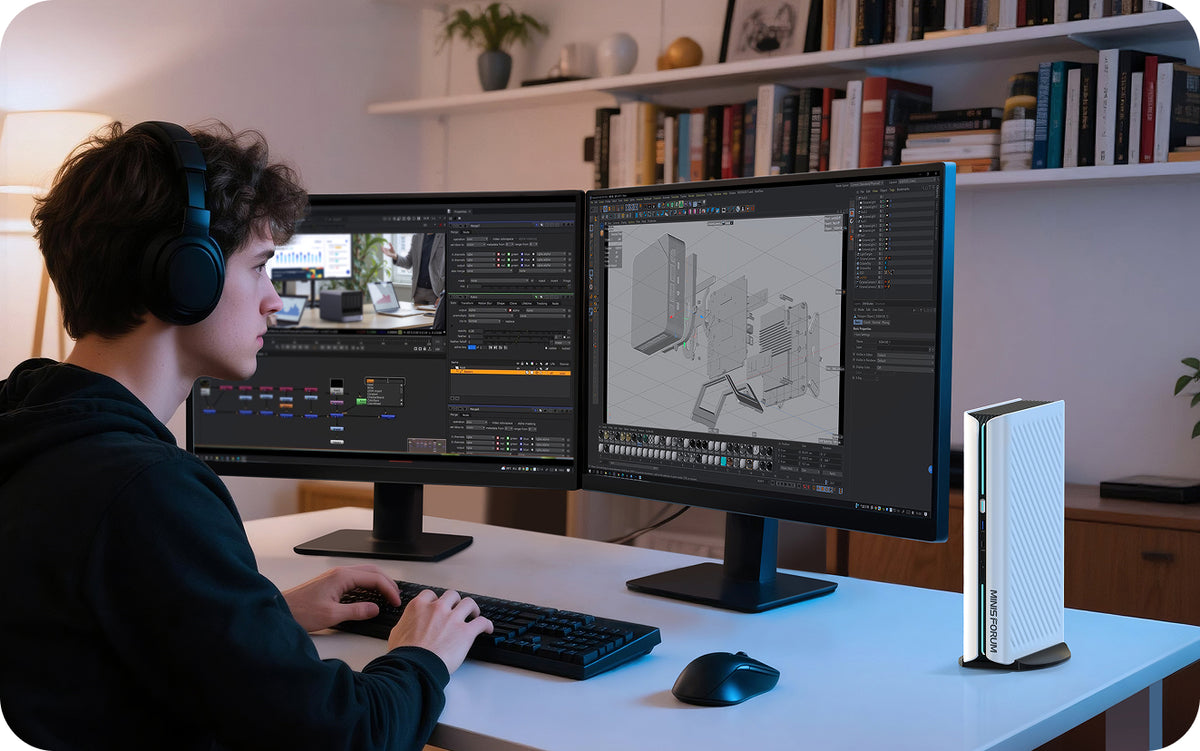
4. Silent Productivity: Everyday Office & AI PCs
Is your current desktop taking up half your desk real estate just to run web browsers, spreadsheets, and video calls? It is time to reclaim your workspace.
Not everyone needs a dual 10GbE server or a 145W gaming graphics card. For the vast majority of professionals, remote workers, and casual users, efficiency and reliability are paramount. This category represents the most popular entry points for those looking for the best Mini PC on a budget.
Target Audience
- Remote workers and home office users.
- Students and light content creators.
- Corporate IT departments looking for bulk deployments.
The Core Lineup
- UM890 Pro & UM880 Plus: These are the quintessential AMD Mini PC workhorses. Featuring AMD Ryzen 9 and Ryzen 7 processors with highly capable Radeon 780M integrated graphics. They handle multitasking flawlessly, support up to four displays simultaneously, and operate at a whisper-quiet <35dB noise level.
- AI X1 Pro-470 & Elite Mini M2: Welcome to the era of the Copilot PC. These machines feature dedicated NPUs specifically designed to run local AI assistants seamlessly. They handle smart acoustics, live subtitles, and instant recall features without taxing the main processor.
Case Study: The Modern Home Office
Sarah, a freelance graphic designer, replaced her aging mid-tower with the UM870 Slim. Using a Wall Mount bracket, she attached the PC directly to the back of her monitor. Result? A completely cable-free desk surface. And when she needs to do some light video editing, the dual USB4 ports allow her to connect high-speed external drives, delivering speeds up to 40Gbps. It’s practical, aesthetic, and incredibly fast.
5. Final Thoughts
Finding the best Mini PC is not about blindly buying the most expensive processor on the market. It is about understanding the bottlenecks in your specific workflow and choosing a machine that eliminates them.
If you are building a server rack in your garage, the PCIe expansion of the MS-01 is invaluable. If you are protecting decades of family memories, the ZFS snapshots on the N5 AI NAS will give you peace of mind. And if you just want an incredibly reliable AMD Mini PC that mounts behind your screen to keep your desk tidy, the UM series is unbeatable.
Ready to upgrade your workflow? Stop letting your hardware hold you back. Click here to explore the full lineup and secure the latest discounts on the official MINISFORUM Store.