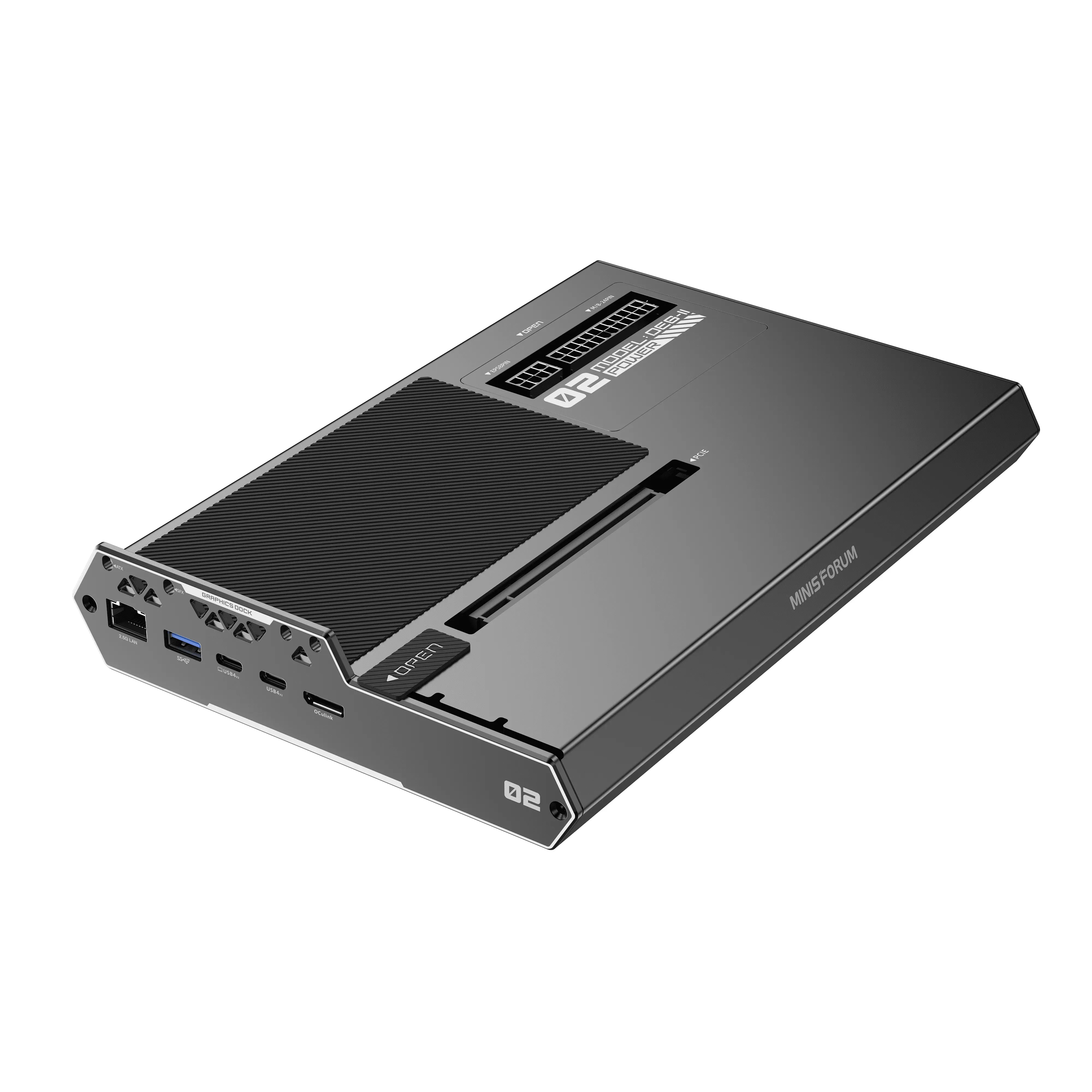
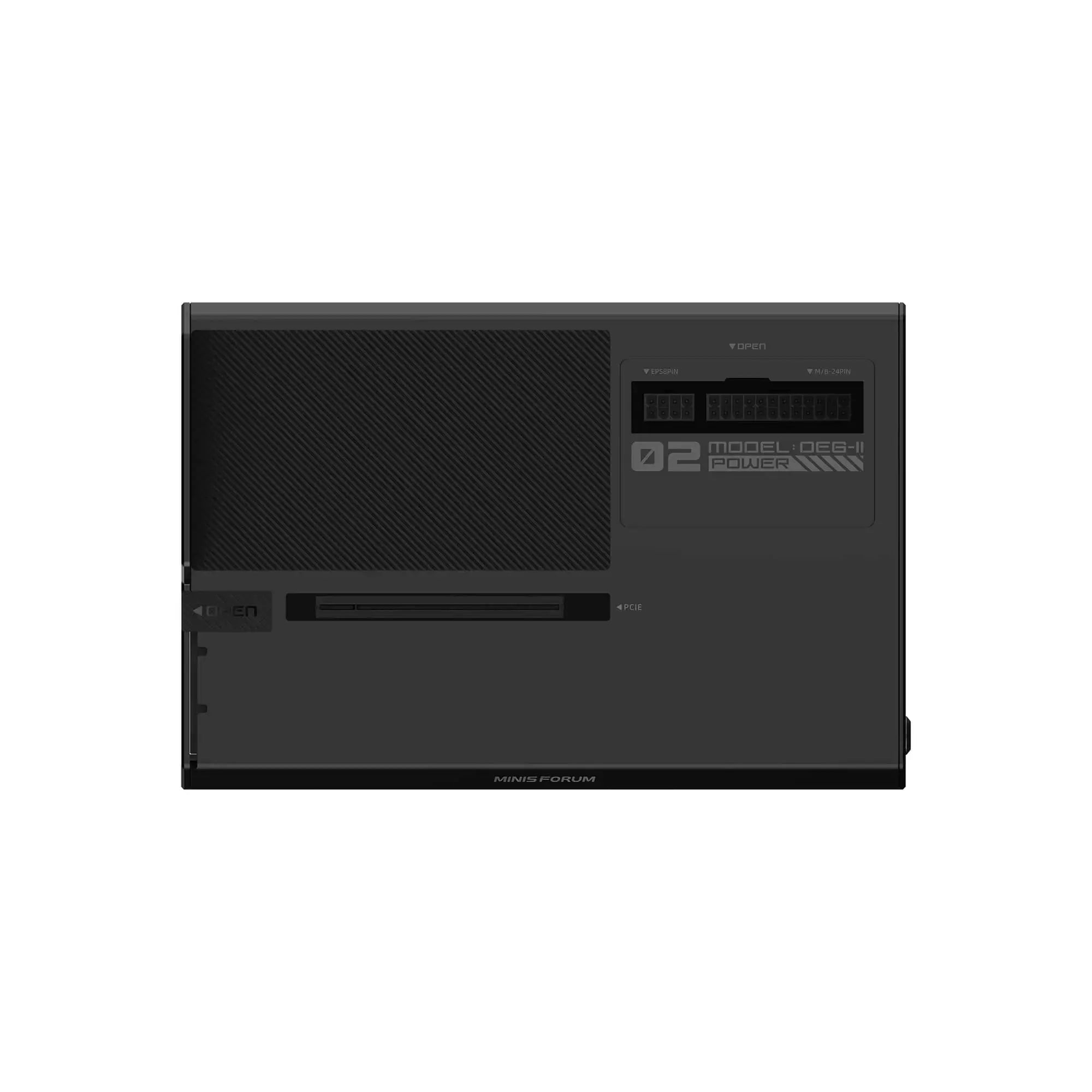
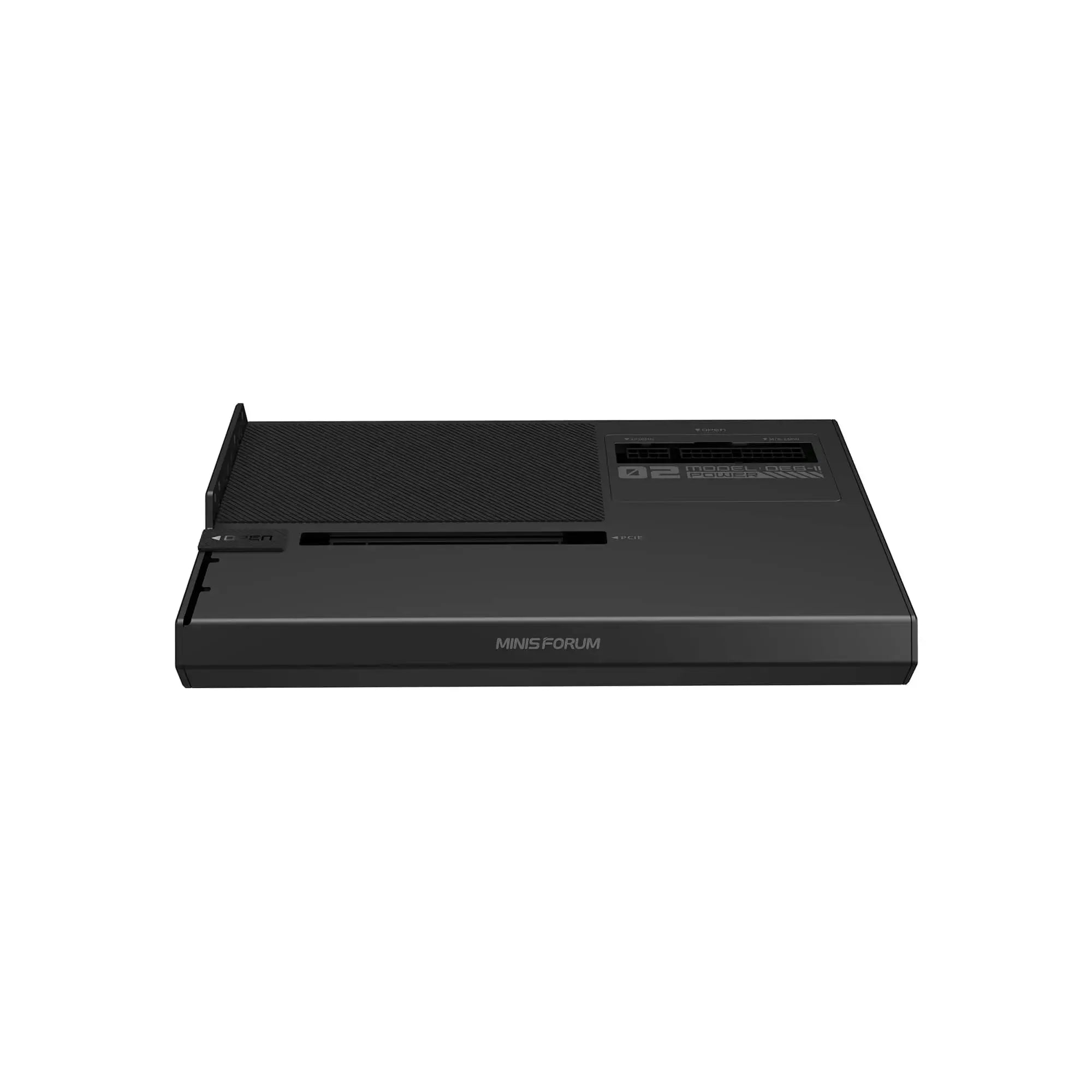
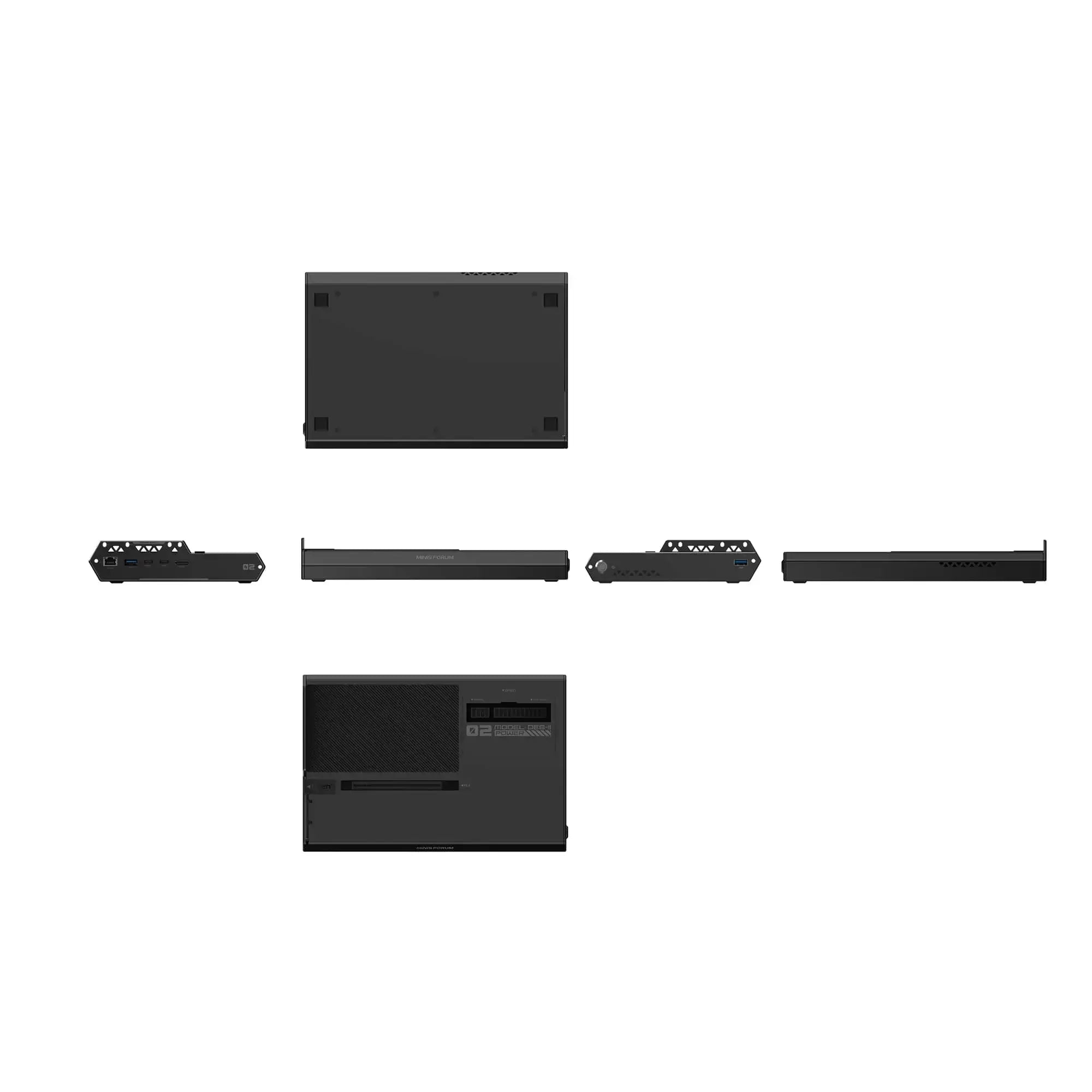
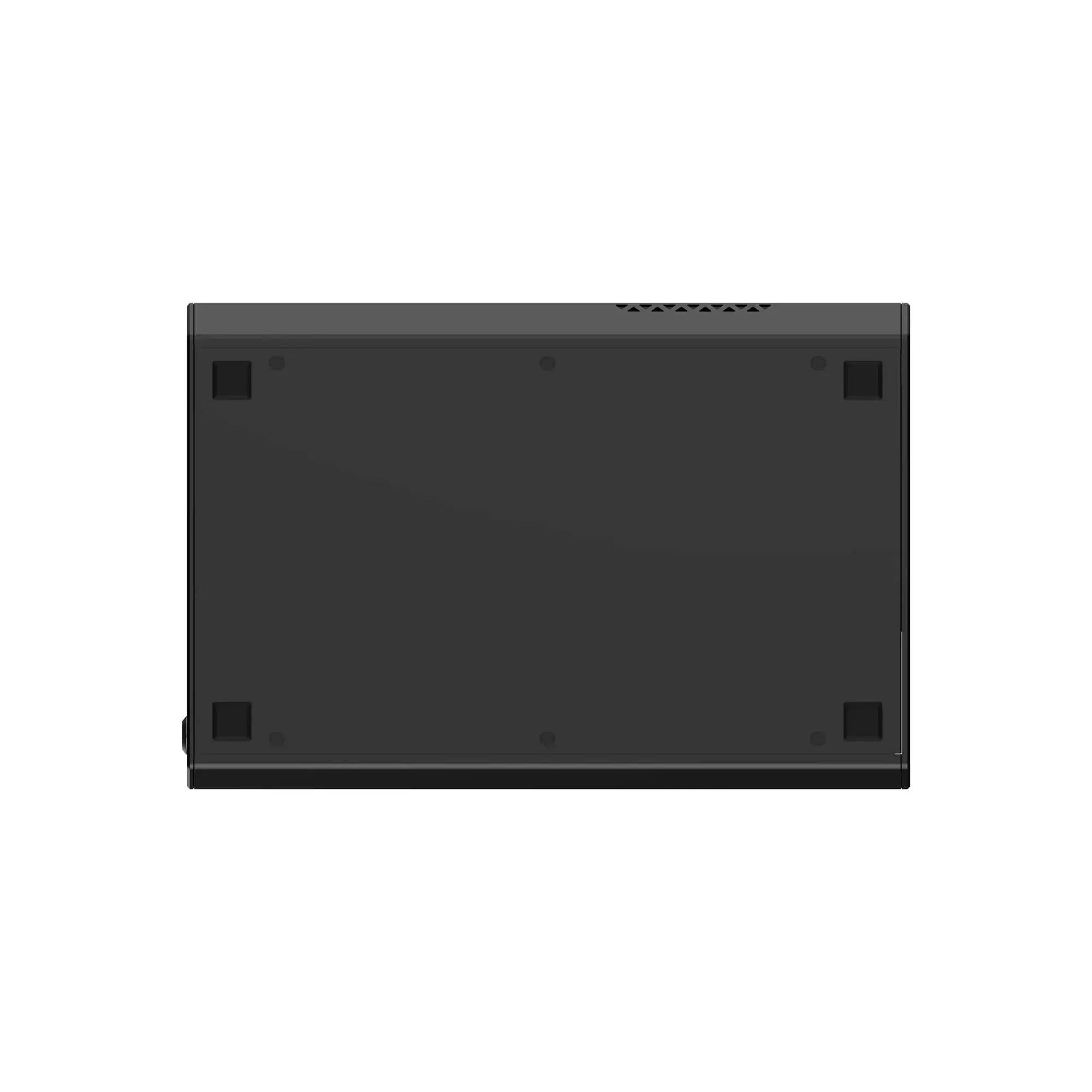
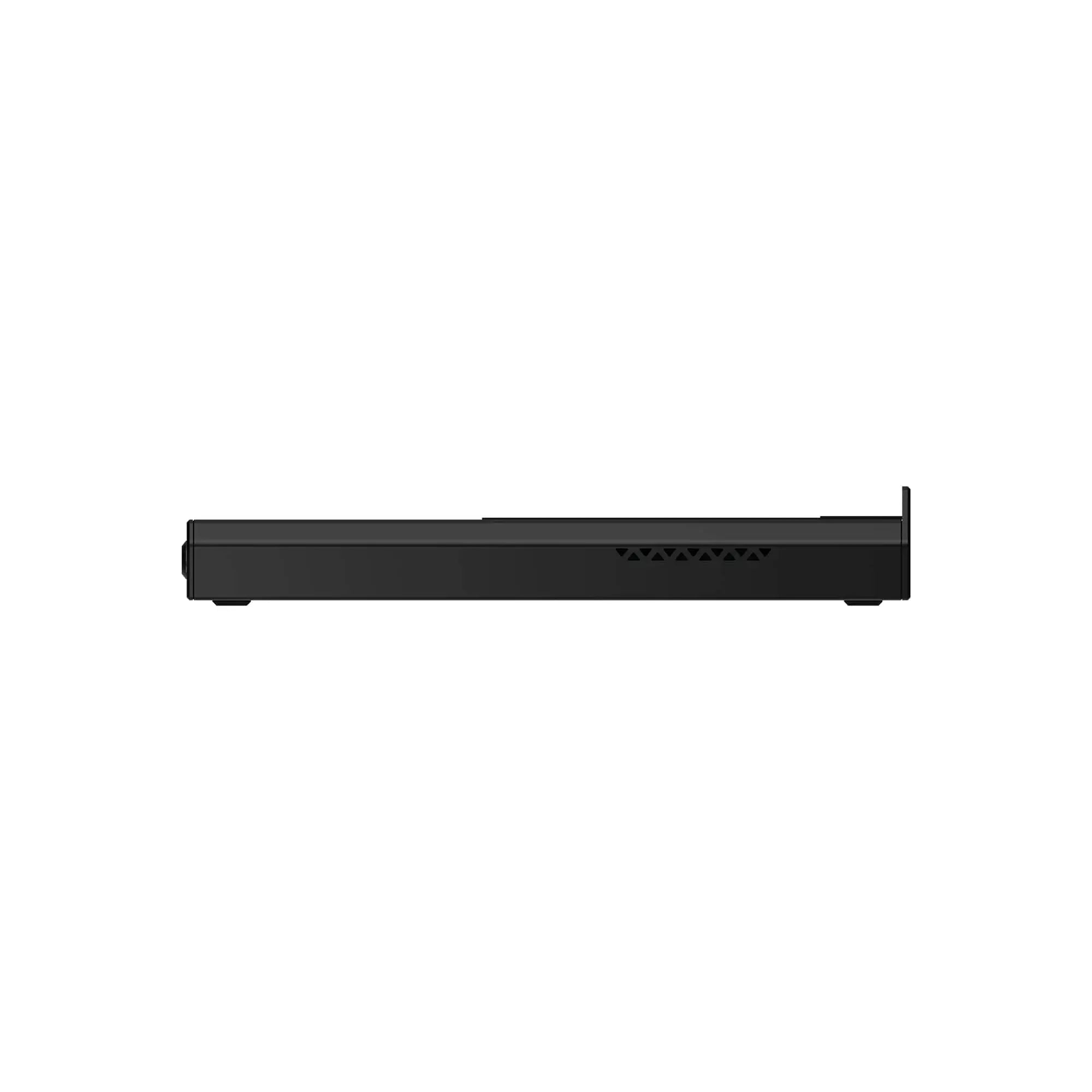
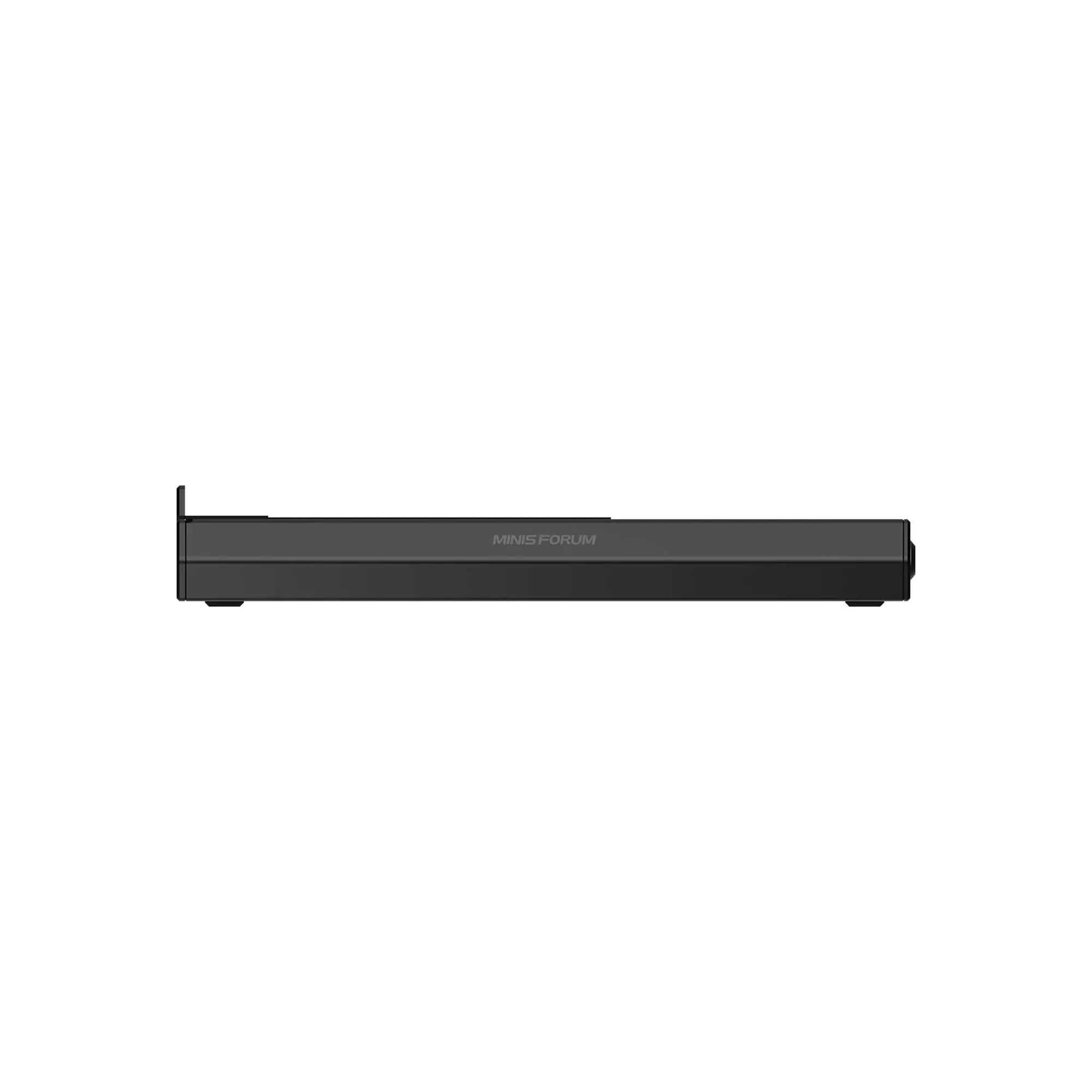
Minisforum DEG2 OCulink eGPU Dock

Duties Included

30-Days Hassle-Free Local Returns
Note: It will arrive at the German warehouse by the end of March.
- OCuLink (PCIe 4.0 ×4) | Up to 64Gps
- Compatible with TBT5 devices | delivers up to 80 Gbps
- Built-in M.2 2280 SSD
- Compatible with ATX / SFX power supplies
- TB5 one cable for data | Up to 140W

Brand Shop Exclusive Benefits

Deliverable Areas

Delivery Timeliness

Repair Services

Insurance Services
Benefits enjoyed by Minisforum customers
Brand Shop Exclusive Benefits
›
- Online Instant Service
- 3-Year Extended Warranty
- Gift Redemption with Points
Deliverable Areas
›
Can be delivered for free to:
- EU countries: Czech Republic, Denmark, Austria, Belgium, Bulgaria, Croatia, Estonia, Finland, France, Germany, Greece, Ireland, Italy, Latvia, Lithuania, Luxembourg, Netherlands, Poland, Portugal, Romania, Slovakia, Slovenia, Spain, Sweden, Hungary.
- Non-EU countries: Switzerland, Albania, Belarus, North Macedonia, Iceland, Bosnia and Herzegovina, Vatican City, Liechtenstein, Monaco, Norway, San Marino.
Delivery Timeliness
›
- DE Warehouse: 3-5 business days
- Hong Kong Warehouse: 5-7 business days
- Refurbished Devices: 3-5 business days
- Pre-sale Products: 3-4 business days after warehouse arrival
Repair Services
›
Provides free repair and after-sales services for products that are within the warranty period. For more details, please contact the customer service team.
Insurance Services
›
Minisforum provides two types of protection for sold products:
- 1. Shipping Protection includes: Loss and damage in transit, Theft/Porch Piracy, Mis-delivery by courier, USD$5 compensation for delay Smooth Claims
- 2. Product Protection Plan:Customers can choose a 1-year, 2-year, or 3-year insurance plan tailored to their needs. This plan covers accidental damage occurring during normal product use and extends the original manufacturer's warranty with identical coverage terms after its expiration. Different durations are subject to varying premium rates.

Payment Methods

Trusted Delivery


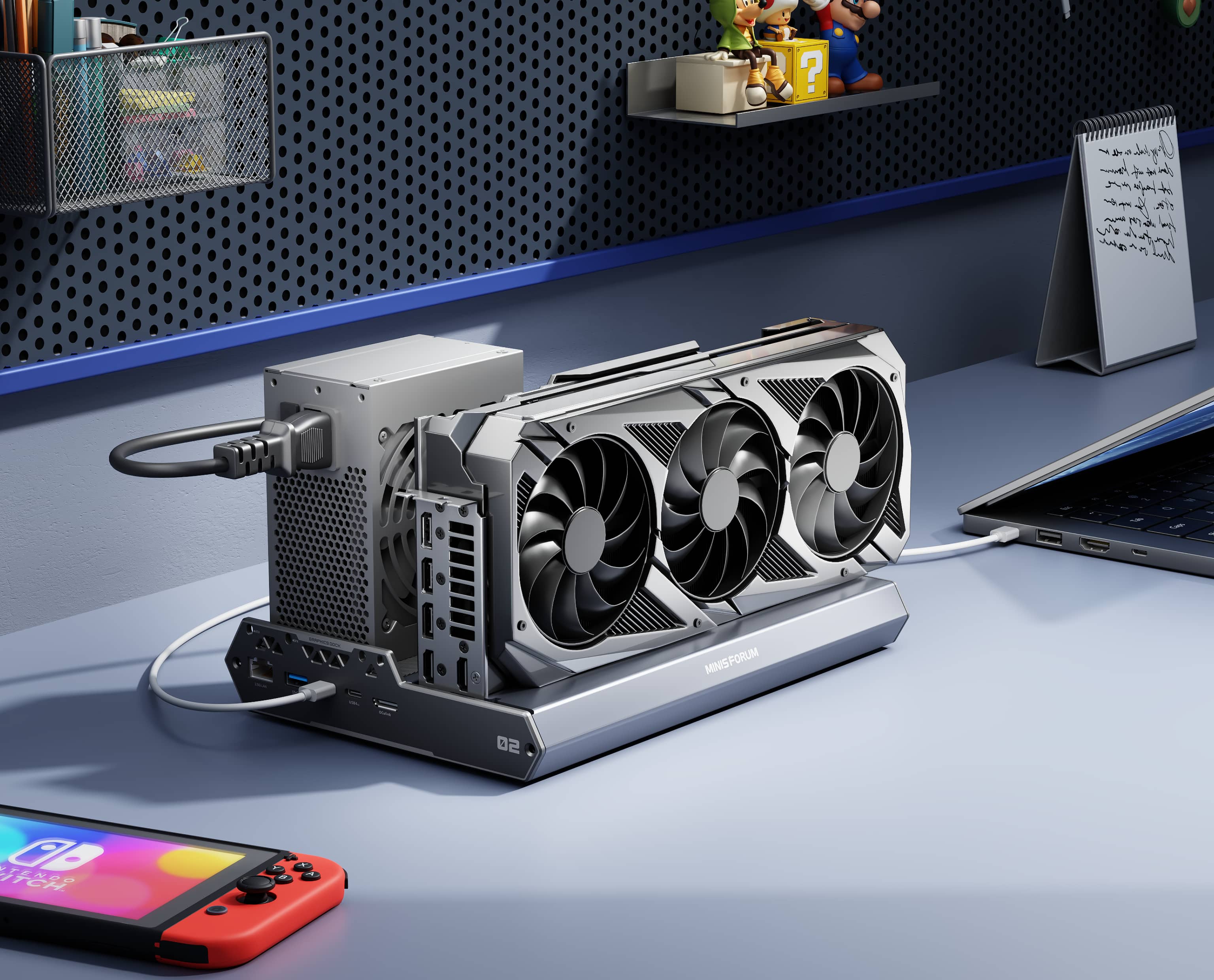
TBT5 One-Cable Desktop Workflow
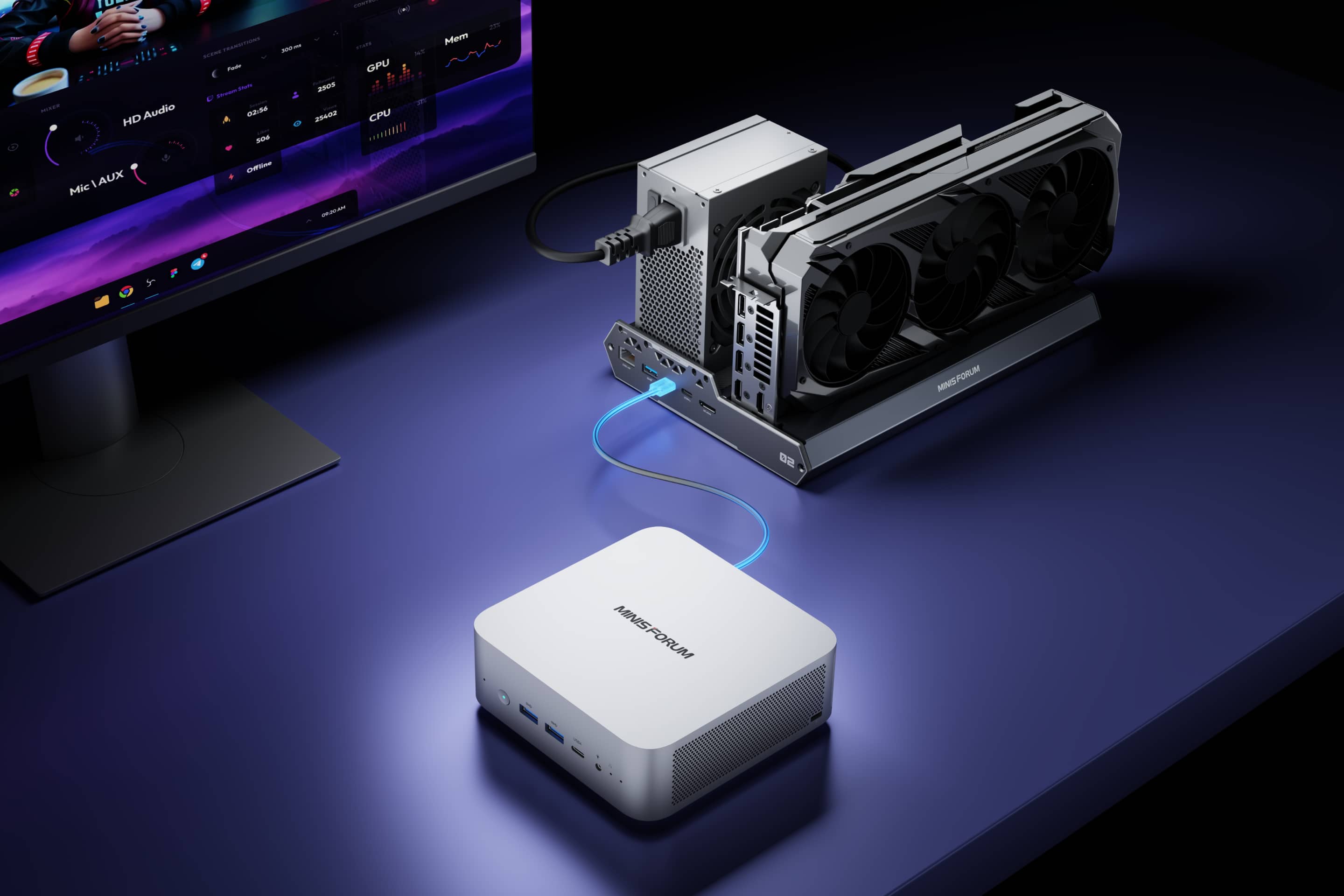
TBT5 delivers up to 80 Gbps bandwidth and about 140 W reverse charging, so one cable can handle data, display, and power for a clean desk setup.

High-Efficiency PCIe Link with OCuLink
OCuLink (PCIe 4.0 ×4) offers a low loss, high efficiency path that keeps LLM, SD, and video AI workloads running smoothly.
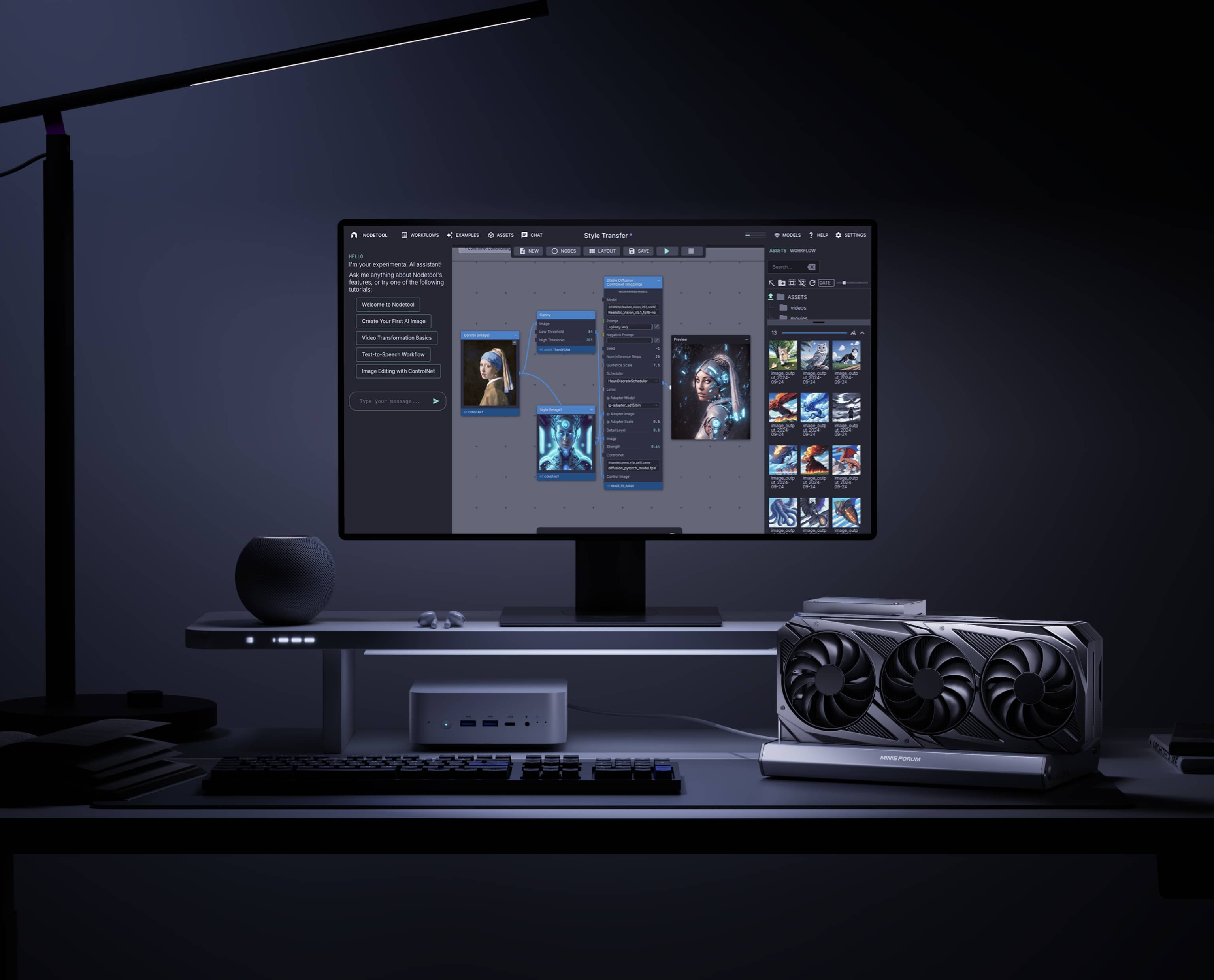
Hardware Toggle for Instant Mode Switching
Switch between TBT5 and OCuLink with a physical toggle—no cable changes, no software tweaks. Choose the mode that fits your current device.
TBT5 One-Cable Desktop Workflow
TBT5 delivers up to 80 Gbps bandwidth and about 140 W reverse charging, so one cable can handle data, display, and power for a clean desk setup.
High-Efficiency PCIe Link with OCuLink
OCuLink (PCIe 4.0 ×4) offers a low loss, high efficiency path that keeps LLM, SD, and video AI workloads running smoothly.
Hardware Toggle for Instant Mode Switching
Switch between TBT5 and OCuLink with a physical toggle—no cable changes, no software tweaks. Choose the mode that fits your current device.

Optimized for AI and Creative Workflows
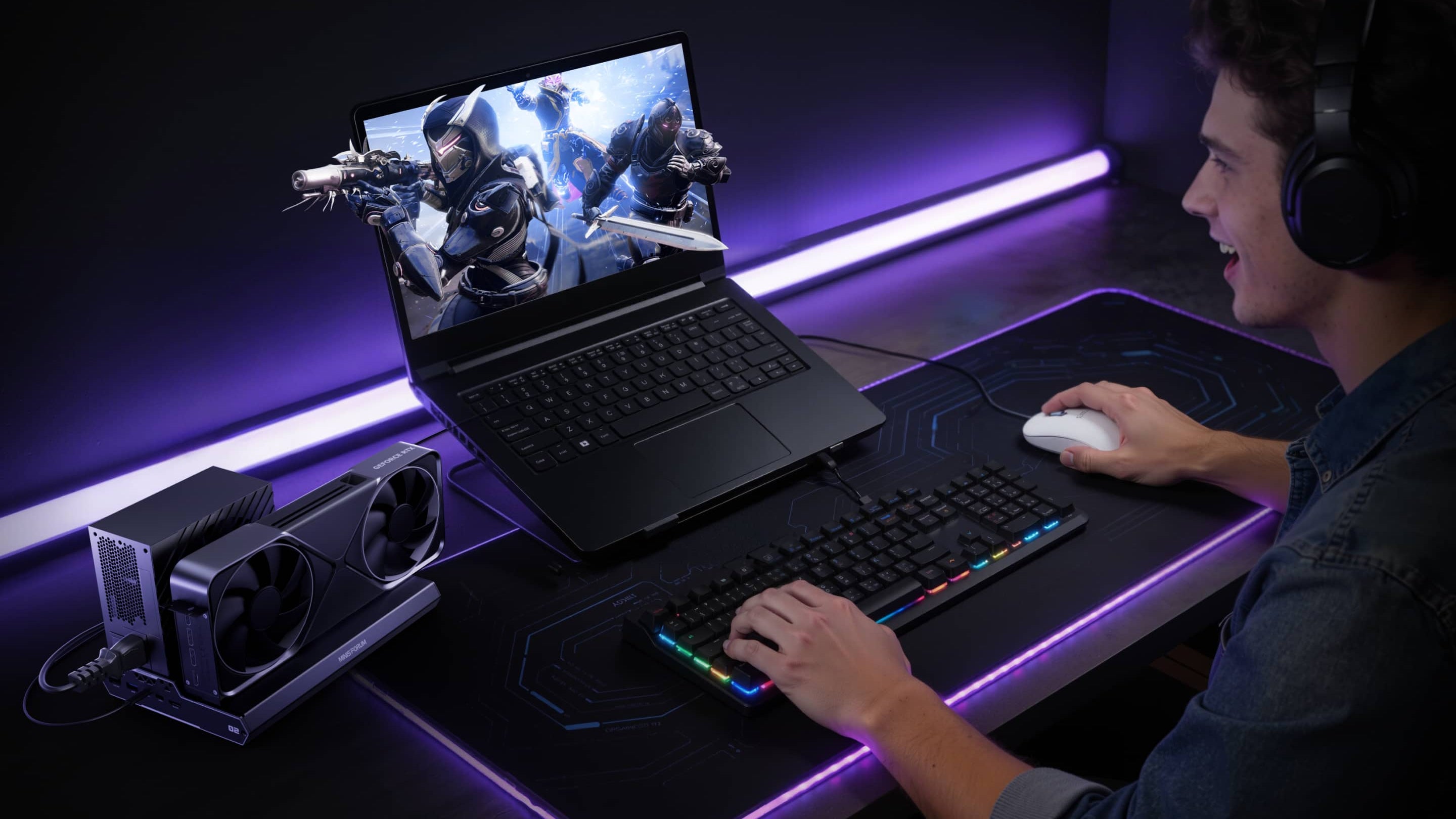
Optimized for AI and creative workflows, DEG2 lets you store models, assets, and project files on its internal M.2 2280 so data stays close to the GPU for faster loading and quicker iteration. Heavy GPU workloads are offloaded to the desktop graphics card inside DEG2 while your ultra book only handles control and display, so you keep full mobility without giving up compute power. Rendering, editing, and AI generation all run through this single GPU base, reducing file transfers between devices and keeping your entire workflow in one place.
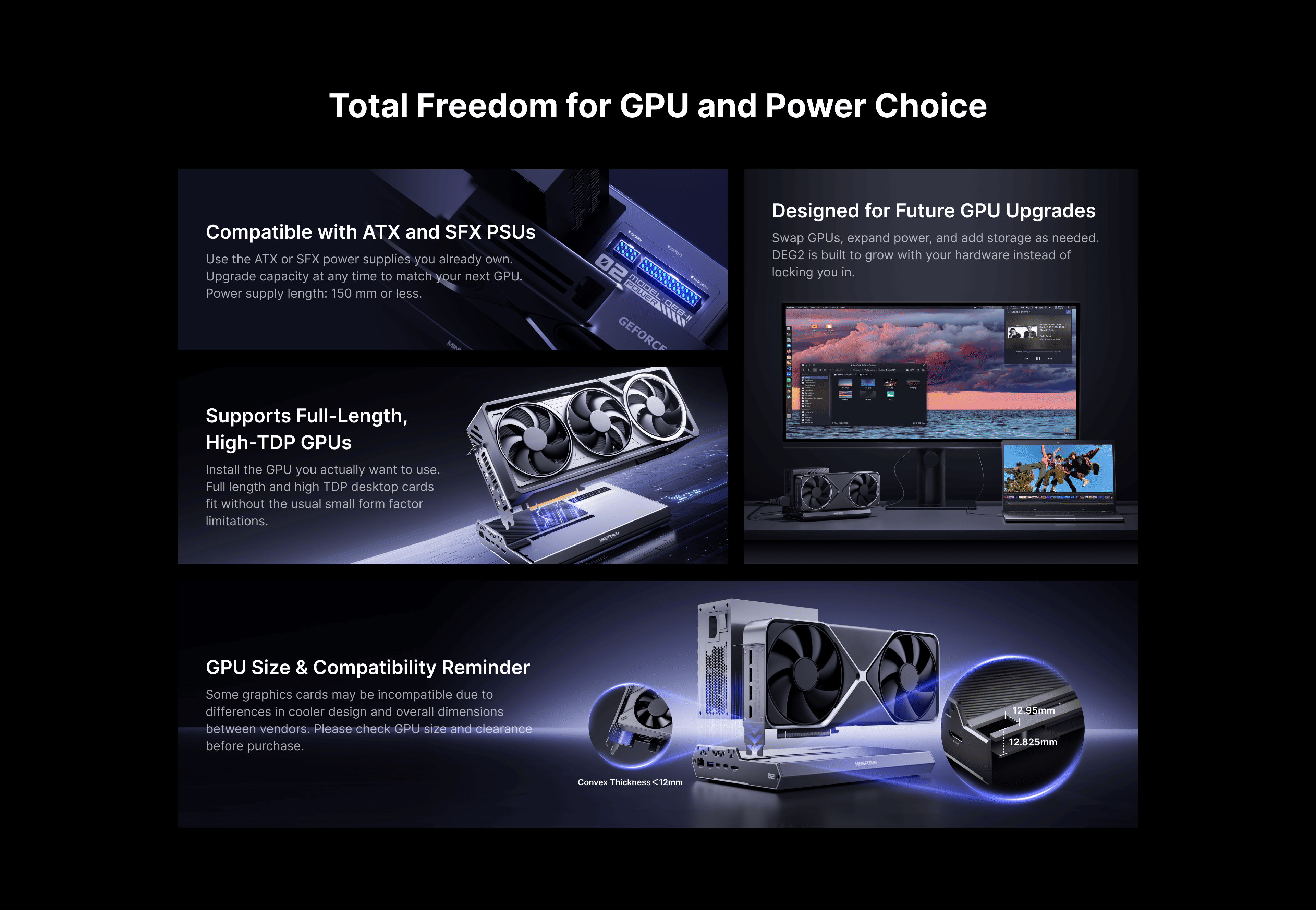
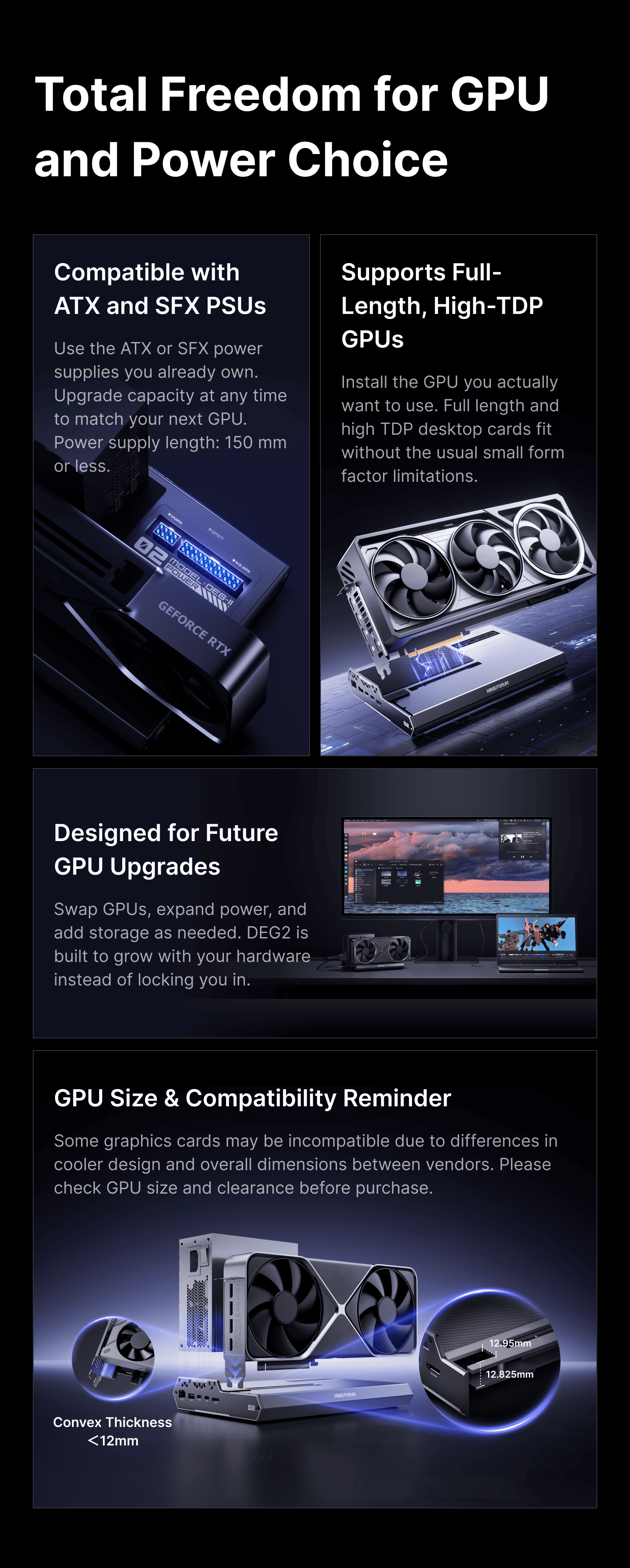
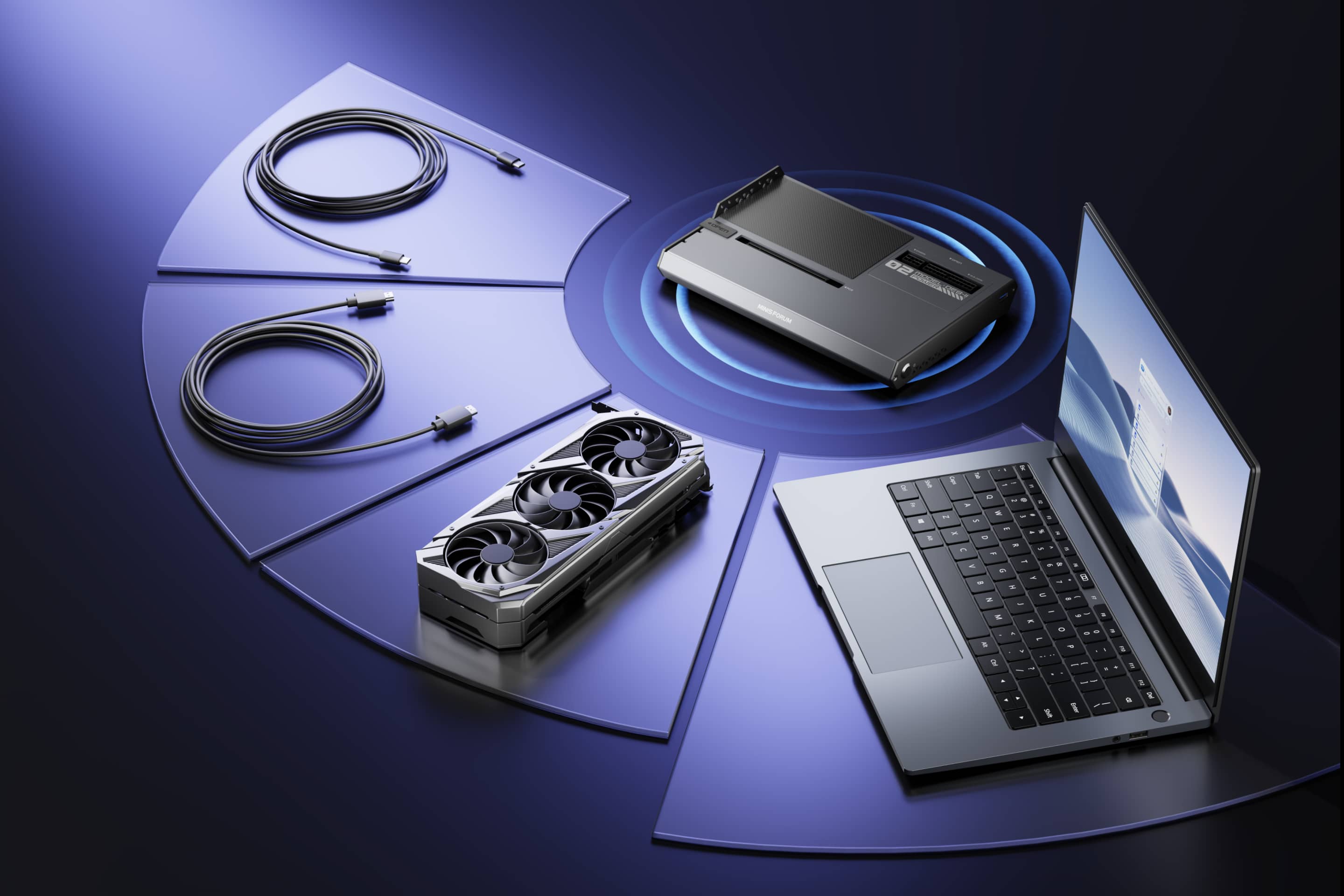
Signal-Optimized for Better Compatibility
A built-in redriver boosts the PCIe signal between DEG2 and your GPU, improving stability and compatibility across different cables and graphics cards, especially under high-bandwidth workloads.
Auto Power-On with the Host
DEG2 powers on alongside your system, delivering a seamless, desktop like experience every time you sit down to work or play.
Auto Power-On, One-Cable Ready
DEG2 powers on automatically with your host, so there’s no extra switch to press and the experience feels like a desktop tower. With TBT5 reverse power and full dock expansion over the same TBT5 link, you just plug in once and your entire desk setup is ready for work or play.
Signal-Optimized for Better Compatibility
A built-in redriver boosts the PCIe signal between DEG2 and your GPU, improving stability and compatibility across different cables and graphics cards, especially under high-bandwidth workloads.
Auto Power-On with the Host
DEG2 powers on alongside your system, delivering a seamless, desktop like experience every time you sit down to work or play.
Auto Power-On, One-Cable Ready
DEG2 powers on automatically with your host, so there’s no extra switch to press and the experience feels like a desktop tower. With TBT5 reverse power and full dock expansion over the same TBT5 link, you just plug in once and your entire desk setup is ready for work or play.


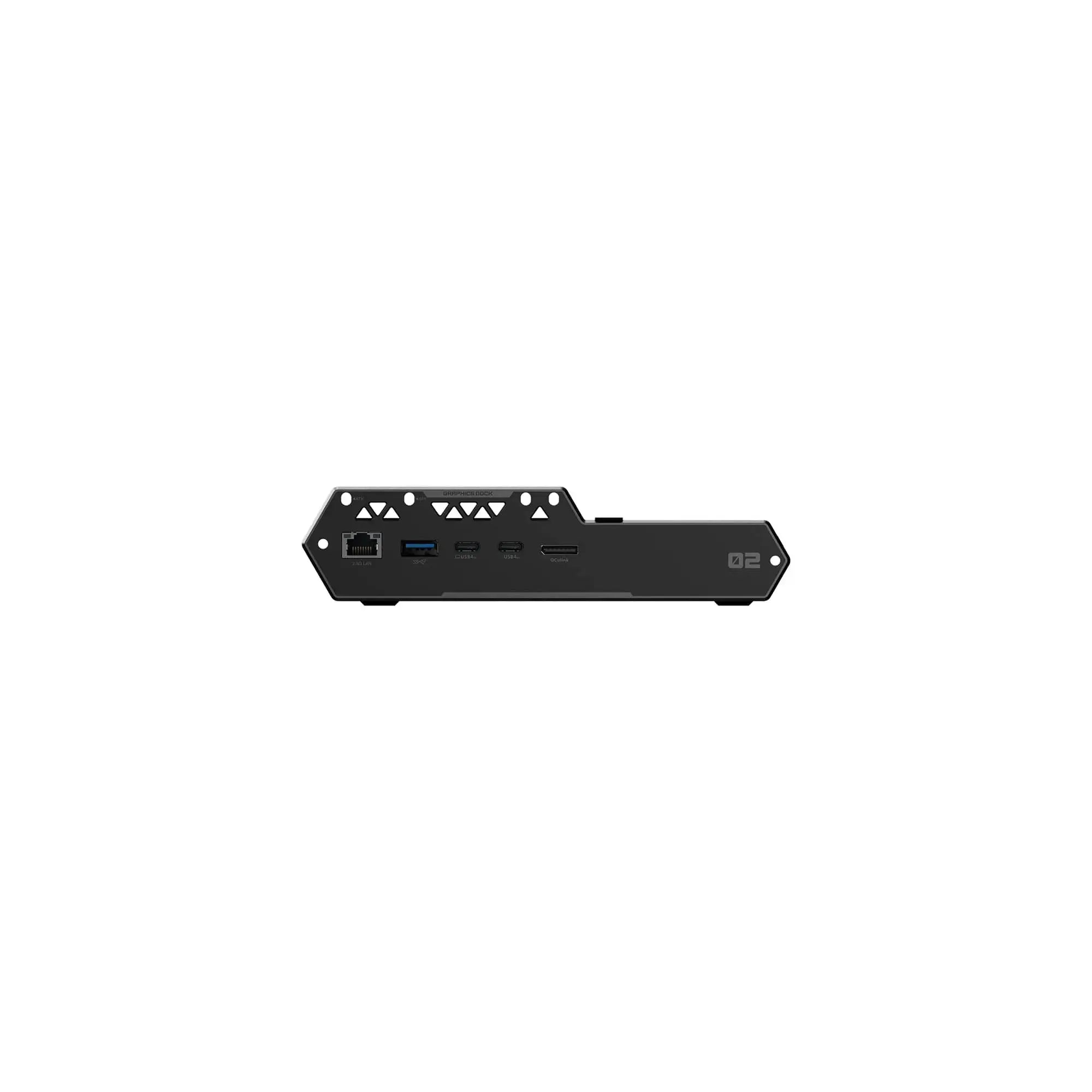
Minisforum DEG2 eGPU Dock Technical Specifications
| Project | DEG2 | |
| Platform | Intel | JHL9480 |
| I/O Inside | OCulink | x1 (PCIE4.0x4) |
| USB V2 | Upstream 140W | |
| USB V2 | Downstream 30W | |
| USB-A | x1 USB 3.2 (10Gbps) | |
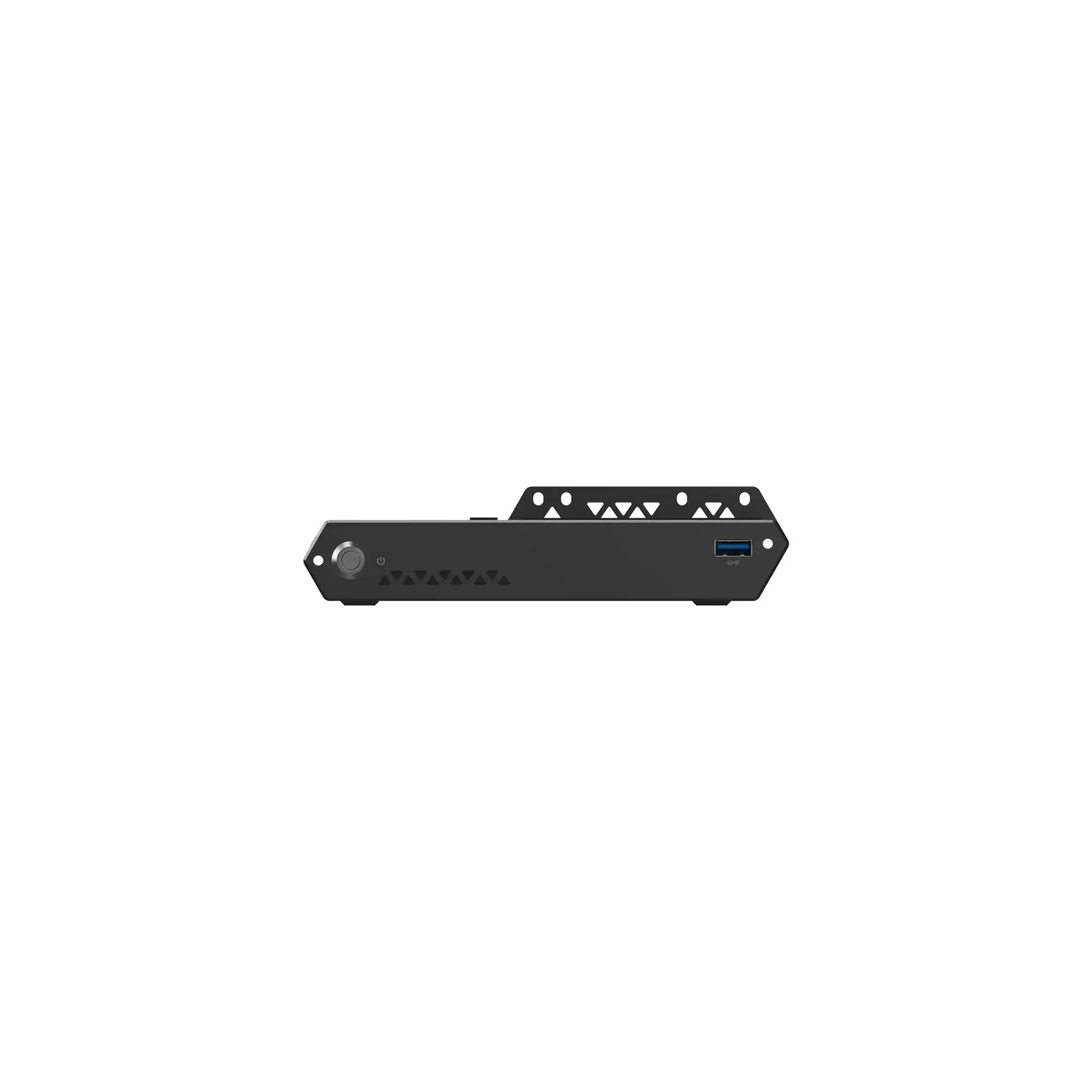
| USB-A | x1 USB 3.2 (5Gbps) | |
| M.2 | x1 M.2 2280 | |
| LAN | x1 2.5G | |
| PCIEx16 | x1 | |
| Power (MB) | x1 ATX 24pin+8pin | |
| LED | x1 | Power on status |
| Other | Switch | OCulink and TB5 |
| TGX Switch | x1 | |
| Fllow Start UP Switch | x1 | |
| RESET DEBUG | x1 | |
| Debug LED | x9 | |
| Physical Characteristics | Dimension | 258.9*174.17*42.75mm |